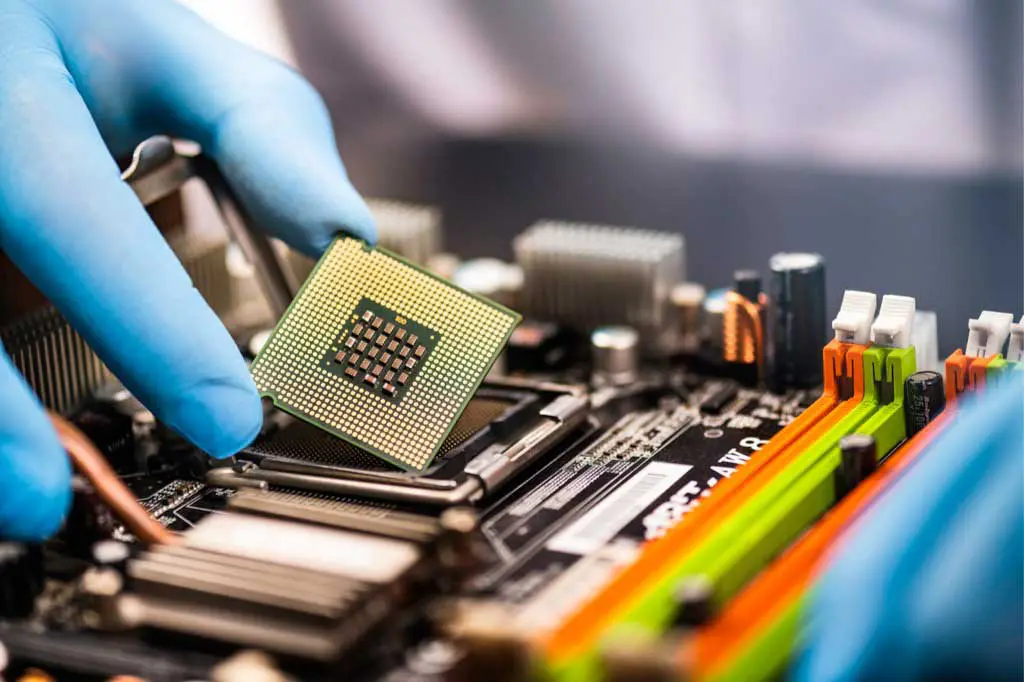
Practical Guide to Computer Hardware Maintenance
Most hardware failures are incremental. This guide covers the maintenance habits that extend a machine's reliable lifespan without requiring professional help every time.
Qentroxa is an independent technical service focused on careful hardware diagnostics and responsible repair work. We examine the actual problem rather than replacing parts at random.
From a slow laptop to a dead motherboard, we work through the problem systematically and explain what we find along the way.
Screen replacements, keyboard faults, charging port issues, and hardware failures. We work with most major laptop manufacturers and model lines.
Learn moreSystematic testing of CPU, RAM, storage, and power delivery. We identify which component is actually failing rather than swapping parts until something works.
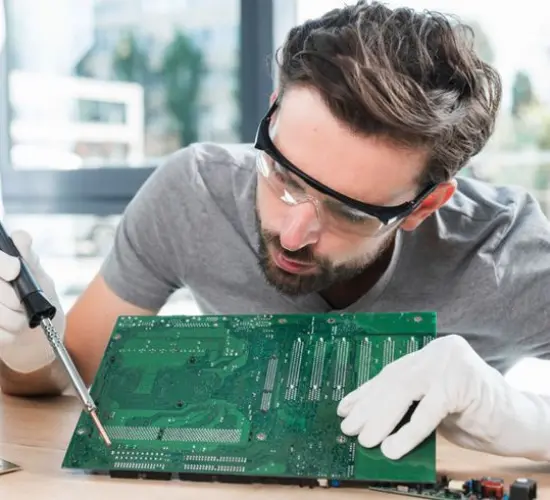
Learn morePower stage failures, POST issues, and component-level faults. Motherboard repair is complex; we provide an honest assessment of what's practical to fix.
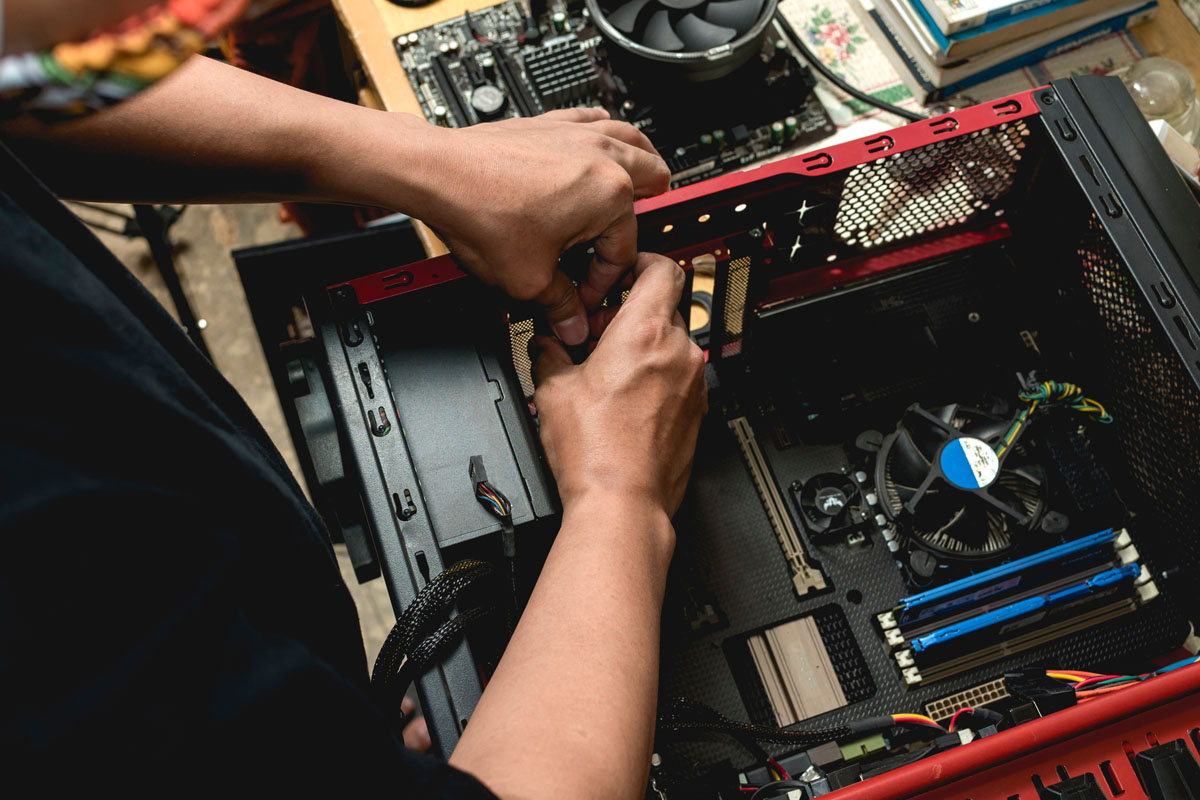
Learn moreDeep cleaning, thermal paste replacement, and fan servicing. Overheating is one of the leading causes of hardware degradation and is largely preventable.
Learn moreHDD and SSD health testing, bad sector analysis, and data recovery consultation. We assess drive condition and help you understand your options before data is lost.
Learn moreRAM, SSD, and compatible component upgrades. We advise on what's worth upgrading based on your specific machine and use case, not on upselling.
Learn moreEvery device we receive goes through the same structured workflow. This consistency is what allows us to catch underlying issues that a surface-level inspection would miss.
Start the ProcessYou describe the problem in as much detail as you can. We record the device's history, current symptoms, and any recent changes before opening anything.
We run targeted tests on the relevant subsystems. Diagnostics take as long as they need to — rushing this step is how intermittent faults get missed.
We explain what we found and what the repair involves. You decide whether to proceed. No work is done without your confirmation of the scope and cost.
The repair is carried out and the affected systems are retested. We verify the fix holds under the conditions that triggered the original fault.
You receive the device with a summary of what was done. We keep a record of the work in case any follow-up is needed.
Select the symptoms your device is showing and we'll outline the most likely hardware causes. This is a general reference — not a substitute for hands-on diagnostics.
Select all that apply, then click "Analyse Symptoms".
Answer five quick questions about your computer's behaviour to get a rough sense of its current health status.
Small team, focused specialisations. Everyone here works hands-on with hardware on a daily basis.
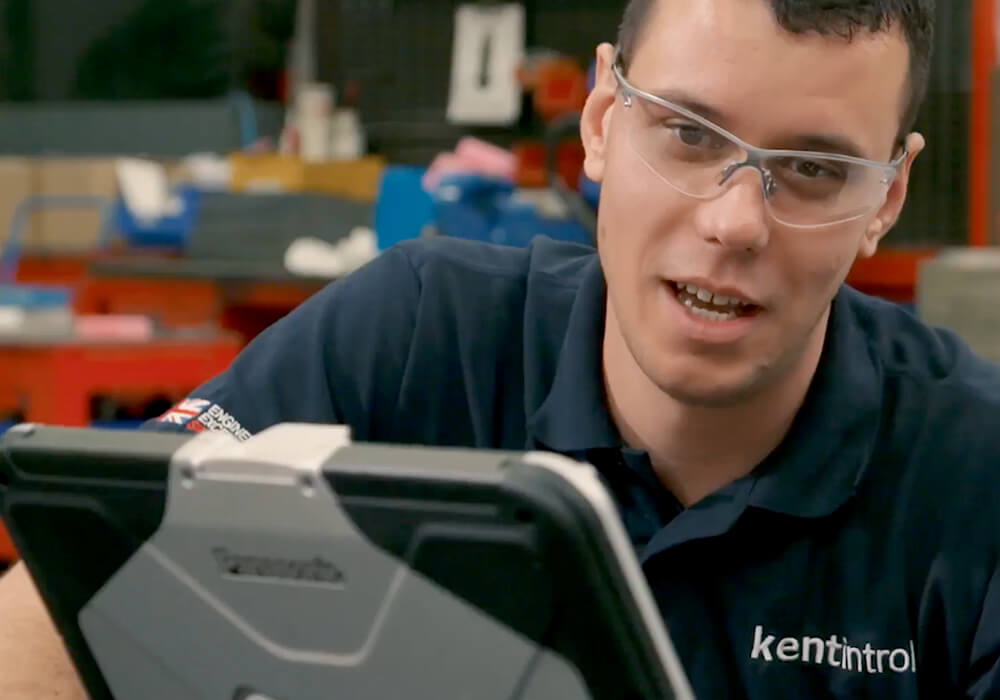
Over a decade working with desktop and workstation hardware. Javier handles the systematic diagnostic workflow — he's particularly experienced with motherboard-level fault analysis and power delivery issues.
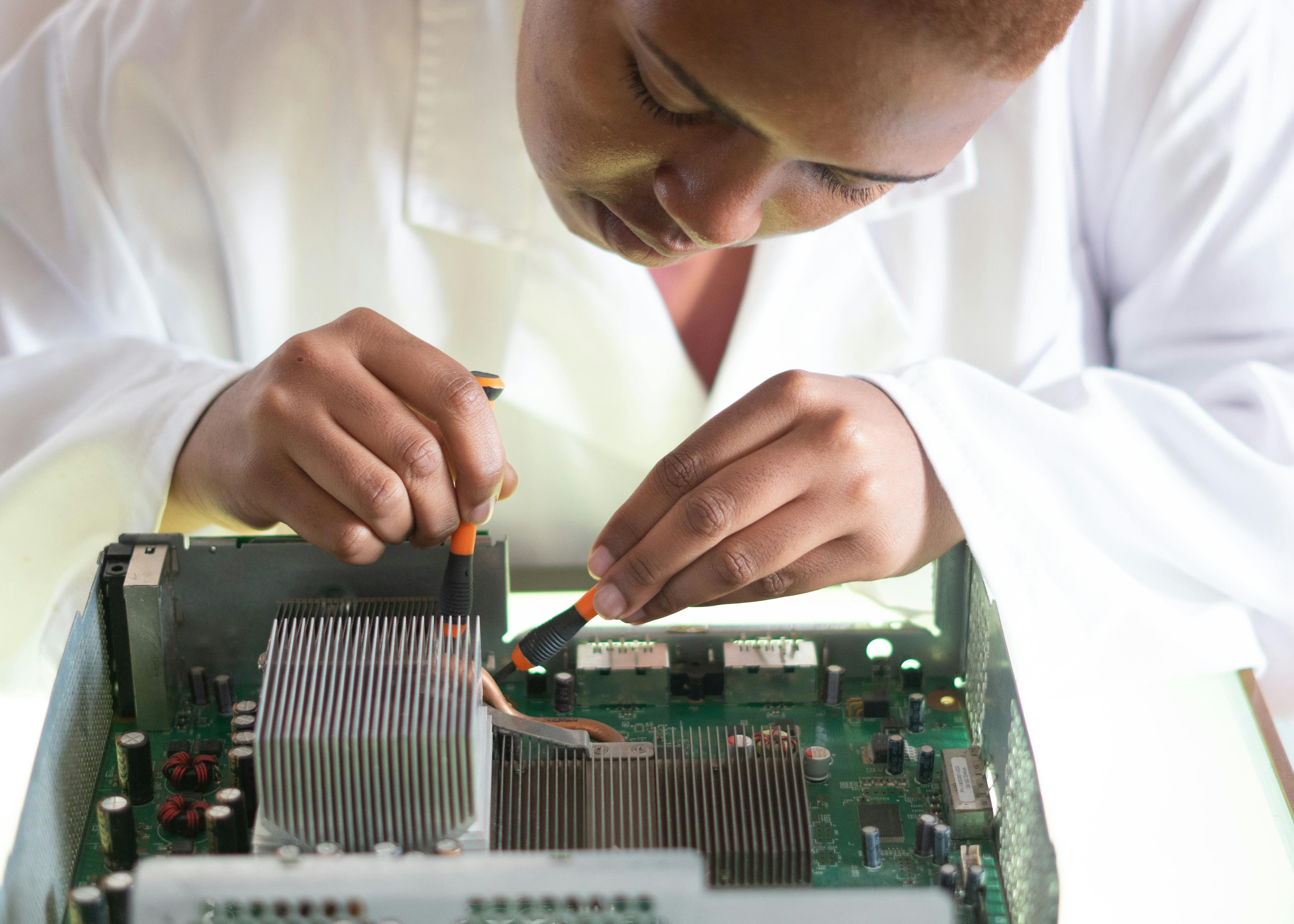
Specialises in portable hardware — laptops, ultrabooks, and compact workstations. Laura handles disassembly, component replacement, and thermal servicing with a particular eye for the finer structural details that often get overlooked.
Handles storage diagnostics, data recovery consultation, and drive health assessment. Carlos advises clients on realistic recovery options based on actual drive condition — not on worst-case scenarios designed to inflate the scope of work.
Manages intake, communication, and repair documentation. Isabel makes sure clients receive clear information at every stage and that the technical findings are communicated in plain terms, not just in jargon.
Most hardware failures are incremental. This guide covers the maintenance habits that extend a machine's reliable lifespan without requiring professional help every time.
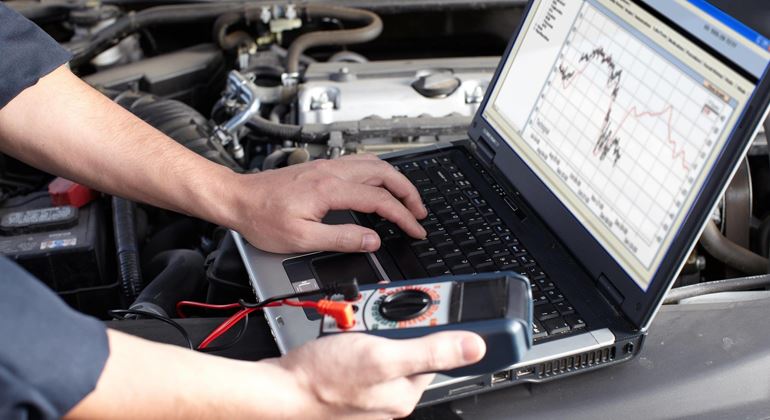
Overheating is one of the most common complaints we see, and also one of the most misunderstood. Here's how the diagnostic process actually works.
What actually happens when a technician runs diagnostics on your computer? This article walks through the tools, methods, and thinking involved.
The details are not the details. They make the design.
Can't find an answer here? Get in touch directly — we're happy to discuss specifics before you commit to anything.
Ask a QuestionBring your device in, describe what it's doing, and we'll take it from there. No commitments until you've heard back from us with a clear picture of what's involved.